The RiskMandate card, on your phone
Add to Apple Wallet (iPhone, in Safari), or show this screen and let them scan the QR on the back. It is the green card, the team-wide one with no names: the same design as the printed cards (all three).

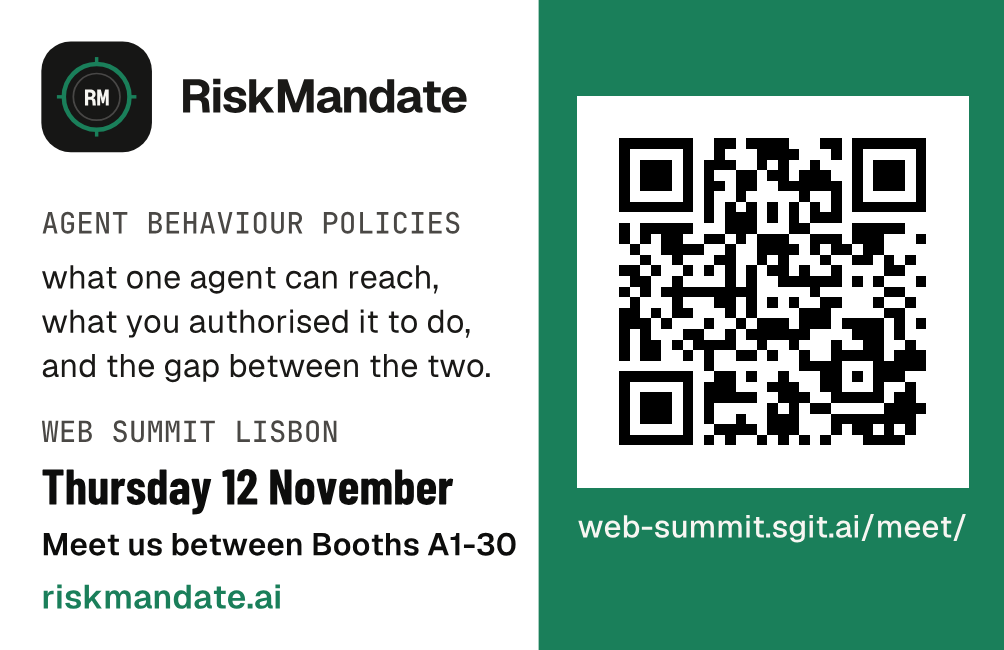
The QR opens web-summit.sgit.ai/meet/, where they find each of us. Our website: riskmandate.ai.
Keep it one tap away
On an iPhone, now (about 10 seconds):
- Open this page in Safari: web-summit.sgit.ai/card/
- Tap Share (the square with the arrow), then Add to Home Screen, then Add.
- The card is now an icon on your Home Screen. One tap shows it.
Even quicker, as a picture: press and hold the back of the card above, then Save to Photos. Mark it as a favourite, so it is at the top of Photos.
On Android: open this page in Chrome, tap the three dots, then Add to Home screen.
Apple Wallet
Add to Apple Wallet: open this page in Safari on your iPhone, tap the link, then Add. The card sits in Wallet: double-click the side button to show it, and the QR is on the pass.
The pass is the same green card: the line "Know their reach. Define their mandate. Control the gap.", Thursday 12 November between Booths A1-30, and the QR to the meet page. It is signed for RiskMandate through Dinis's Apple Developer account (Pass Type ID pass.news.promptugal.card), made on 9 November 2026 by the PrompTugal iOS repository's Wallet pass workflow. Its files and builder: team/designer/wallet/.
Google Wallet (Android)
Coming: the same card as an Add to Google Wallet button. The card and its builder are ready (team/designer/wallet/make-google-pass.py, with its banner image). Google Wallet needs the link signed with a key from a Google Cloud account that is registered as a Google Wallet issuer. The button appears here as soon as that is set up. Until then, Android users: add this page to your Home screen (above).